14.4.33 - Horizon OS Support

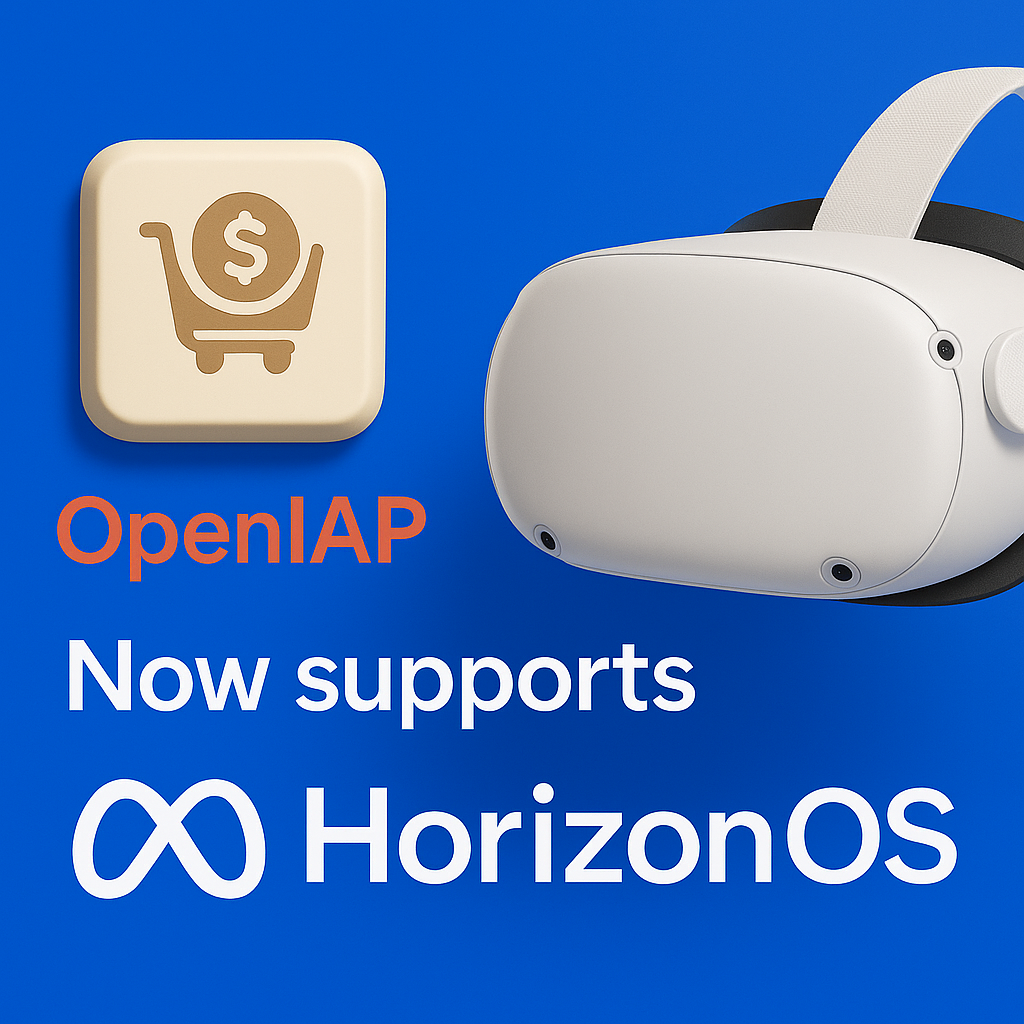
React Native IAP 14.4.33 introduces Horizon OS support for Meta Quest devices, enabling developers to implement in-app purchases in VR applications using the same familiar API.
This release integrates Meta's Platform SDK for in-app purchases on Horizon OS, while maintaining the unified OpenIAP interface across iOS, Android, and now Horizon OS.
🚀 Highlights
Seamless Horizon OS Integration
React Native IAP now supports Meta Quest devices running Horizon OS with zero code changes required. Simply enable Horizon mode in your configuration, and your existing purchase code works seamlessly across all platforms.
Key Features:
- ✅ In-app purchases (consumable and non-consumable)
- ✅ Subscriptions
- ✅ Purchase restoration
- ✅ Product fetching with localized pricing
- ✅ Purchase verification
- ✅ Same API as iOS and Android - no platform-specific code needed
Configuration Setup
Enable Horizon OS support with two simple configuration steps:
1. Enable Horizon mode in android/gradle.properties:
# Enable Horizon OS support (Meta Quest)
horizonEnabled=true
2. Add Horizon App ID to android/app/src/main/AndroidManifest.xml:
<application>
  <!-- Meta Horizon App ID (required for Horizon OS) -->
  <meta-data
    android:name="com.meta.horizon.platform.ovr.OCULUS_APP_ID"
    android:value="YOUR_HORIZON_APP_ID" />
</application>
For detailed setup instructions, see the Horizon OS Setup Guide.
The configuration automatically:
- Uses
openiap-google-horizonartifact instead ofopeniap-google - Adds Horizon Platform SDK and Billing SDK dependencies
- Configures your app with the Horizon App ID metadata
📦 Getting Started
To get started with Horizon OS integration:
-
Install react-native-iap 14.4.33 or later:
npm install react-native-iap@14.4.33
# or
yarn add react-native-iap@14.4.33
# or
bun add react-native-iap@14.4.33 -
Follow the setup guide: See the Horizon OS Setup Guide for detailed instructions on configuration, testing, and troubleshooting.
No Breaking Changes: All changes are additive. Existing apps will continue to work without modifications. Horizon support is opt-in via configuration.
🔗 References
Questions or issues? Let us know via GitHub issues.